English
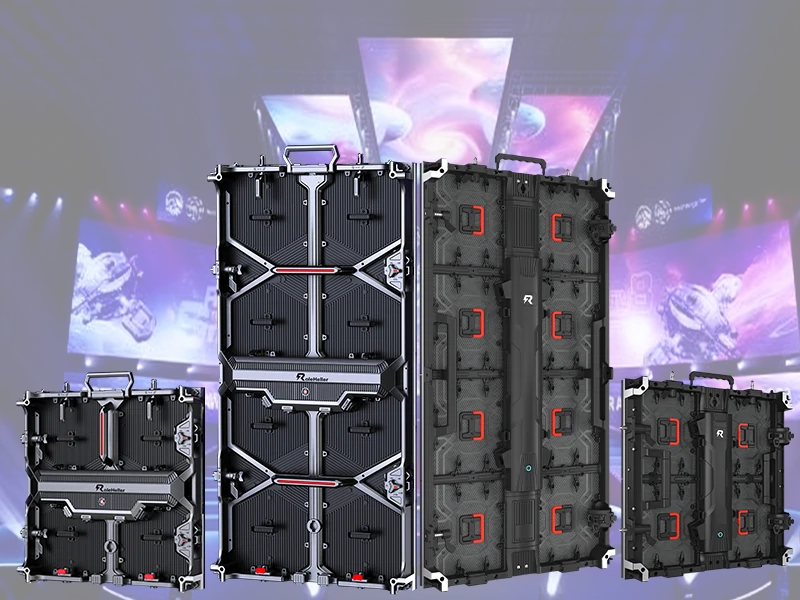
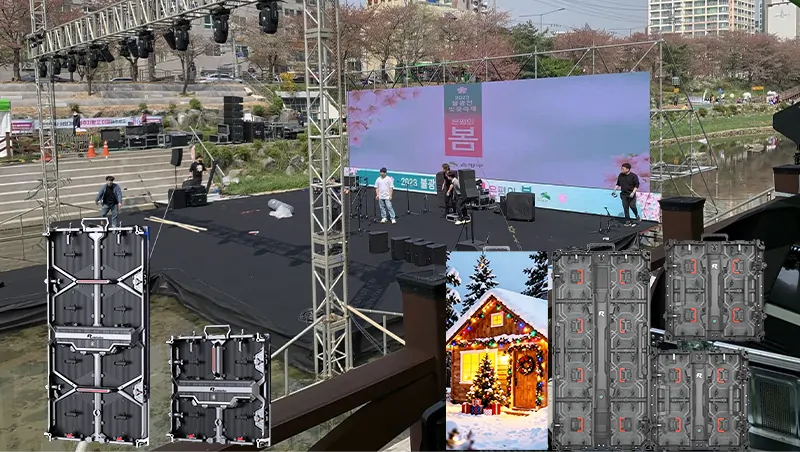
Industry data from AVIXA (2024) shows 78% of corporate events, festivals, and sports productions in Europe/North America opt for rentals. Here's why: Buying a 46㎡ outdoor screen costs over $80,000 upfront, plus storage/maintenance hassles. With RoleHeller, the same screen rents for $1,200–$3,500/day including installation, calibration, and on-site tech support. Among our repeat clients, 37% keep coming back for "flexible adaptation to different venues." This lets you allocate budgets smarter for weddings, product reveals, or local celebrations.
Define Core Needs: Event type (indoor wedding/outdoor concert?), viewing distance (15ft vs 50ft?), content type (4K video/live stream?). Pro tip: Send venue footage to suppliers—they'll recommend pixel pitch (P3 for indoors, P6 for outdoors).
Screen Reliable Providers: Check three things: Equipment calibration history (RoleHeller calibrates screens quarterly), local event experience ("Have you done similar local festivals?"), and insurance coverage ($2M+ liability). Some clients cut costs here—big mistake!
Confirm Technical Details: Power requirements (how many 20A circuits?), structural weight limits (roof/floor installation?), weather plans (what if it rains?). We always request 3D installation diagrams from suppliers.
On-site Coordination: Complete setup/testing 24 hours pre-event. Assign content playback contacts. RoleHeller keeps techs on-site to ensure zero signal loss.
Post-Event Wrap-up: Equipment inventory, venue restoration, final billing. Typically 4–6 hours—won't disrupt next schedules.
Different events demand different specs. Use this quick guide:
| Event Type | Recommended Screen | Key Specs | RoleHeller Case Study |
|---|---|---|---|
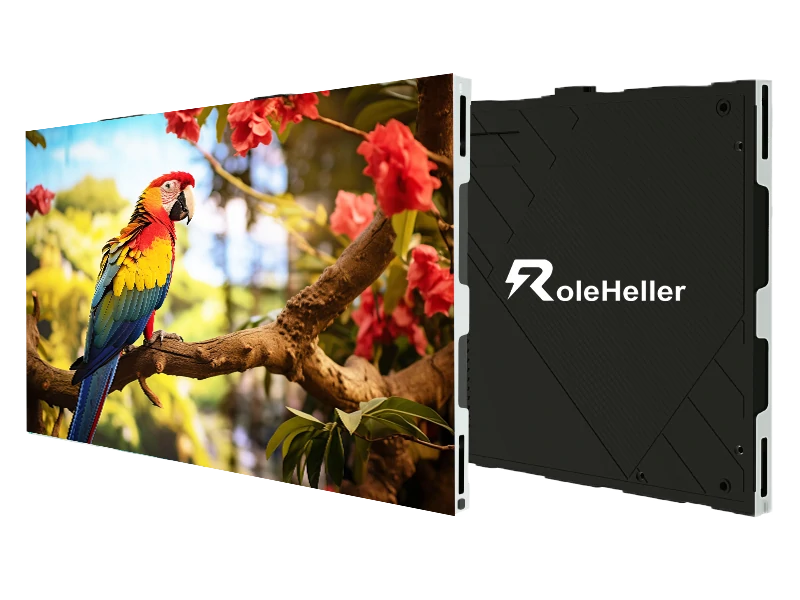
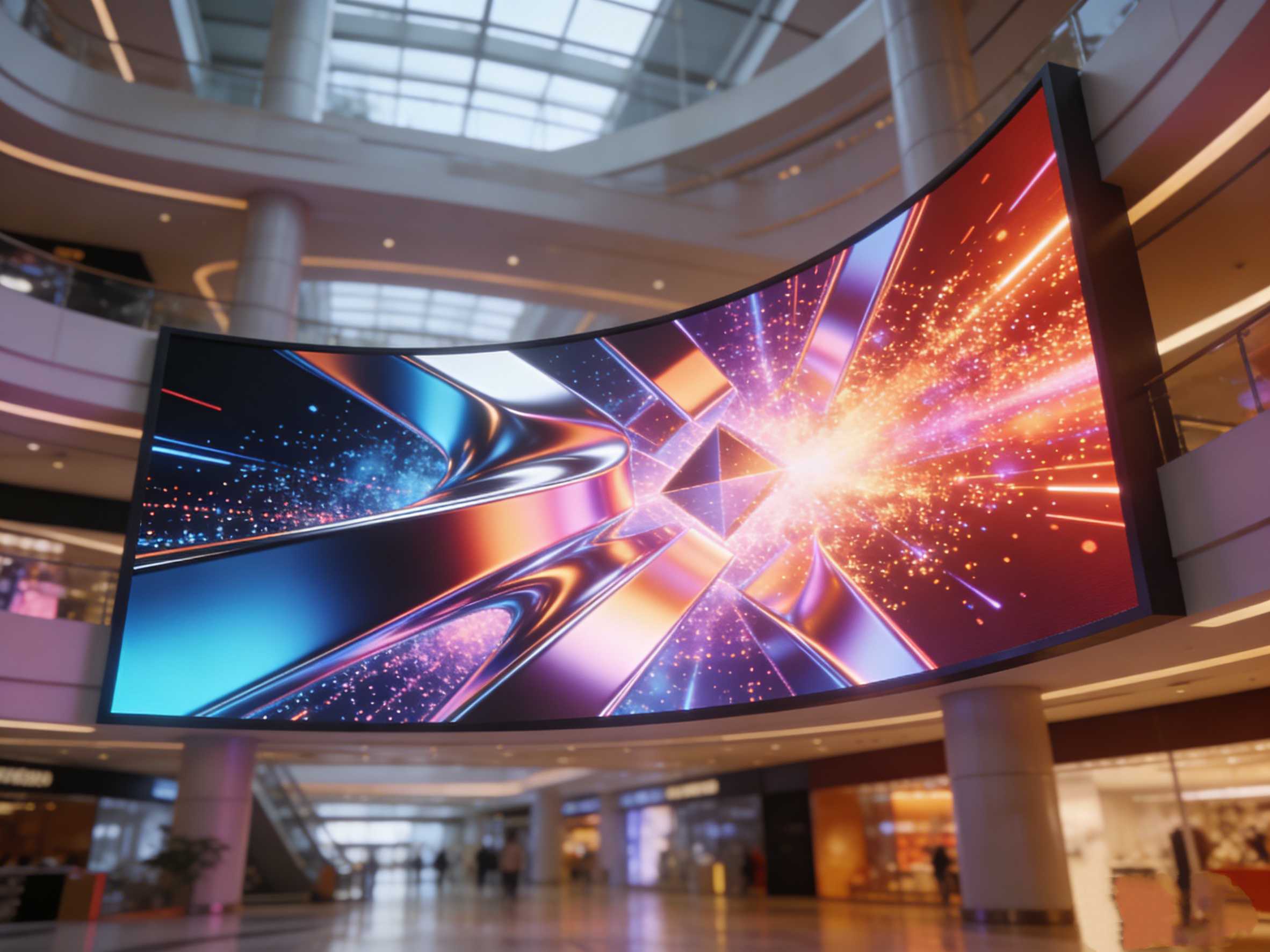
| Indoor Wedding/Corporate Gala | Thin Indoor Screen | Brightness 800–1200nit, P2.5, ultra-narrow bezel | New York Hotel Wedding: Curved screen boosted guest photo quality by 50% (survey results) |
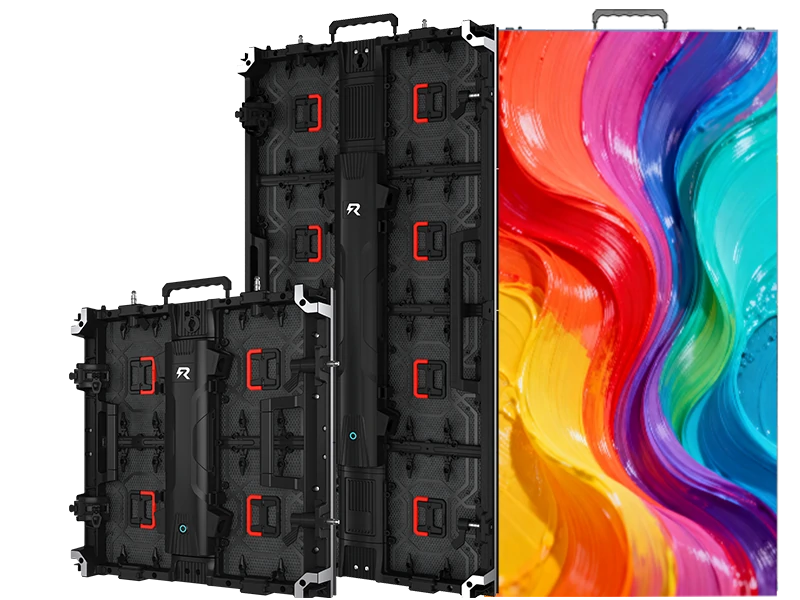
| Outdoor Festival/Market | High-Brightness Waterproof Screen | Brightness ≥5000nit, IP65 rating, wind-resistant design | Texas Music Festival: Ran 8 rainproof hours with zero content interruption |
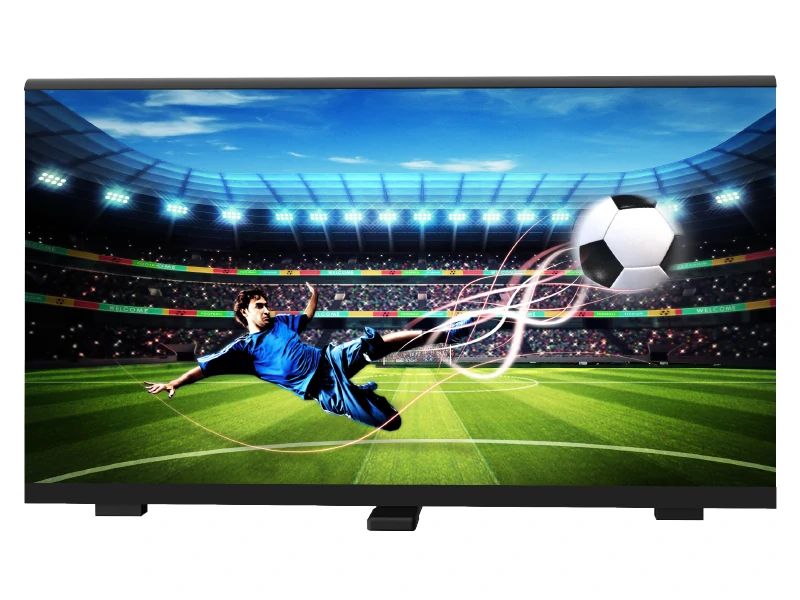
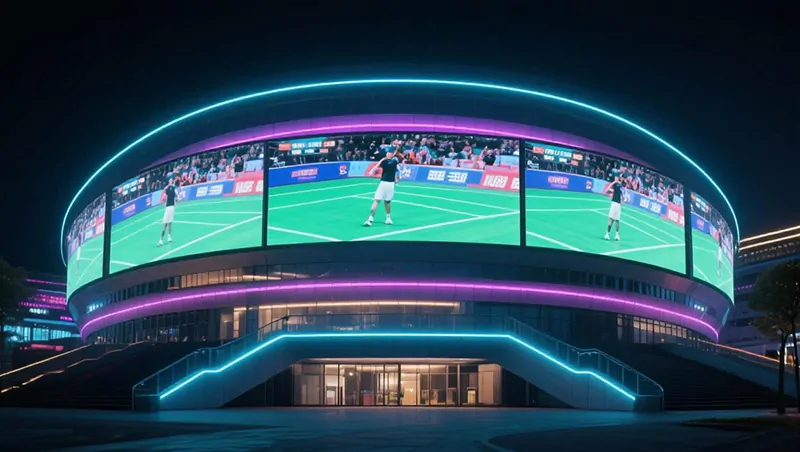
| Sports Venues/Live Broadcasts | High Refresh Rate Screen | Refresh rate ≥3840Hz, multi-source switching | NBA Pre-Season Game: No motion blur during slow-motion replays |
Quick tip: For viewing distances under 10ft, always choose small-pitch screens (P2) to avoid visible pixels!
I've seen too many regrets: Screens too dim for daylight, unstable structures risking safety. Remember these three:
Over-Spec Brightness: For midday outdoor use, choose 6000+nit. Even cloudy days need ≥4500nit. RoleHeller adjusts based on local weather forecasts.
Test Content Early: Use supplier templates to prevent ratio/format issues. We offer free previews—remote testing saves time.
Clean Contracts: Clarify equipment damage definitions, overtime fees, and weather clauses. Reputable companies provide standardized contracts—avoid vague wording.
Once, a client changed venues last-minute—we re-surveyed and adjusted plans at 2AM. Reliable teams prioritize your event success above all.
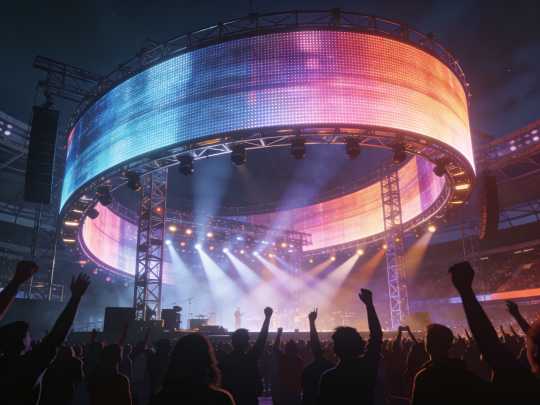
After 15 years in the field, here’s my heartfelt take: Don’t wait until one week before your event to contact suppliers! Popular slots (graduation seasons, holidays) book fast. Secure your date 4–6 weeks ahead for better pricing and customization options. Also—dream big with your supplier! RoleHeller recently built a "floating Earth" stage using custom-shaped screens for a climate summit. Costs rose just 15%, but social media engagement tripled. Technology is the tool; your vision makes the magic. I truly hope these insights help you create moments people remember.
Q: What services are included in standard rental pricing?
A: Transport, professional installation, on-site technician support during event hours, and full dismantling/cleanup. Content creation or extended runtime requires prior agreement.
Q: Are outdoor screens truly safe during light rain?
A: Yes—professional outdoor screens carry IP65+ waterproof ratings. Reputable providers add rain hoods, sealed cabling, and weather contingency protocols. Always confirm these details before signing.
Q: How can I verify a rental company’s expertise?
A: Request recent case videos from similar local events, equipment calibration certificates, and proof of insurance. Visiting their warehouse (if local) shows equipment care standards.
Q: Do I need to provide my own content operator?
A: No—RoleHeller includes a trained playback technician. For complex live-switching or broadcast needs, discuss advanced support options during quoting.
Q: How are overtime charges calculated?
A: Contracts specify clear rates (typically 15–25% of daily rate per hour). We recommend building in a 1–2 hour buffer during planning to avoid stress.