Is your large LED display screen, LED advertising sign, or modular LED display wall suddenly not powering on? This can be caused by various issues. Whether it's for an LED Display Screen TV application or an outdoor advertising billboard, power problems can bring your project to a halt. From the professional perspective of an LED display manufacturer, this article details the root causes of an LED display screen failing to power on and provides a set of safe, effective, step-by-step troubleshooting guidelines to help you quickly identify the issue.
Short Circuit (The Most Common Cause)
A short circuit instantly generates a massive current, triggering the circuit breaker's overload protection and causing it to trip. Even after being reset, the breaker will trip again immediately.
Internal Wiring Fault in the Screen
External Power Supply Line Problems
LED Display Overload
When the circuit breaker's rated current is lower than the display's actual operating current, the current exceeds the limit upon power-up, causing the breaker to trip.
Incorrect Specification and Matching
The total power consumption of the LED modular display exceeds the rated load capacity of the selected circuit breaker.
Multiple high-power-consumption devices share the same circuit breaker, causing the total load to exceed the circuit's design limits.
Abnormal Screen Power Consumption
Ground Fault/Leakage Protection Triggered
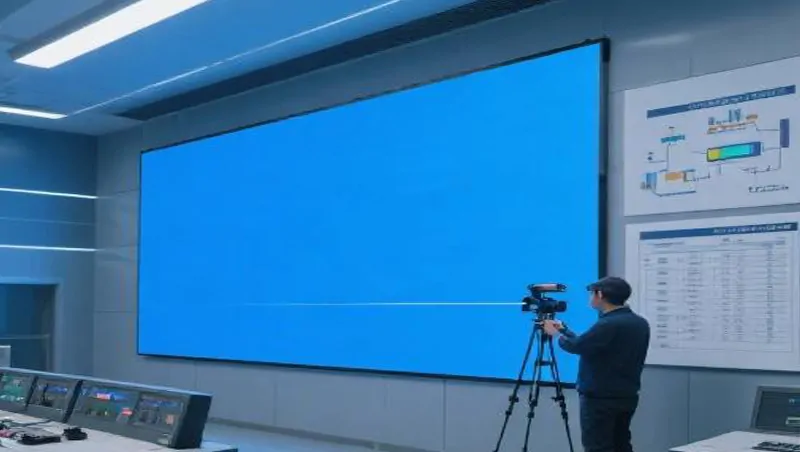
If a Ground Fault Circuit Interrupter (GFCI) / Residual-Current Device (RCD) is installed in the circuit, failure to power on may be due to a leakage problem.
Poor Equipment Grounding
Protection Device Malfunction
Circuit Breaker Self-Failure
After ruling out all the above display-related issues, the circuit breaker or GFCI/RCD itself may be damaged.
Internal trip mechanisms or contacts are worn or burnt, preventing proper closure.
Repeated abnormal tripping shocks cause the mechanism to become "stuck" and unable to reset.
Professional Quick Troubleshooting Steps
Disconnect the Load to Isolate the Problem Area
At the distribution box, disconnect the main power cable leading to the
LED display screen.
Attempt to reset the circuit breaker. If the breaker now stays on, the problem likely lies with the display screen itself or its internal wiring. If the breaker still will not stay on, the issue is with the distribution box or the upstream power supply lines.
Segmented Testing for Precise Identification (Leveraging Modular Design)
For screens using modular LED display panels, utilize their modular nature for zoned troubleshooting:
Divide the screen into several areas (e.g., left/right halves, or disconnect individual LED panel display modules one by one).
Power up and test each area sequentially. When a faulty section is disconnected and the rest of the screen powers on normally, you have identified the problematic zone. This method is especially useful for locating a damaged flexible LED display module or a specific malfunctioning 4-digit LED display module.
Check the Details
Critical Safety Notes & Recommendations
Safety First: Before performing any electrical circuit troubleshooting, absolutely ensure the power is completely disconnected. Do not attempt this if you are not a qualified professional.
Seek Professional Support: If you are not familiar with electrical systems, it is strongly recommended to contact a qualified electrician or the after-sales service team of your LED display manufacturer. Incorrect handling risks electric shock and may cause further damage to expensive LED display screen modules.
Understand the Product Logic: Understanding the meaning and principles of LED displays and their modular operation will help you communicate more effectively with technicians to resolve issues quickly. As the modular LED display market continues to expand, choosing a manufacturer that provides reliable technical support is crucial.
 English