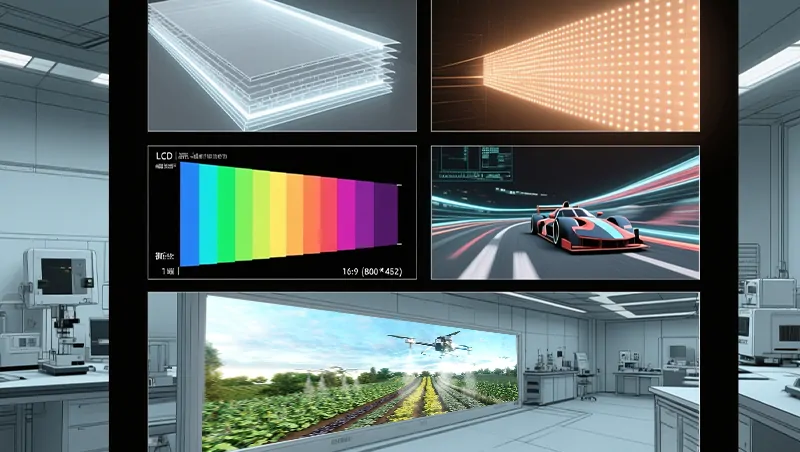
It’s a common observation: an LED display gradually loses its initial brightness over time. This phenomenon, known as LED light decay, is a natural part of an LED screen’s lifecycle. But what causes it, and how can you minimize its impact? This guide explores the reasons behind brightness degradation and provides practical tips for choosing and maintaining LED screens to ensure long-lasting performance.
What is LED Light Decay?
Light decay refers to the gradual reduction in the brightness of an
LED display over prolonged use, similar to how traditional light bulbs dim. The industry measures it by the percentage of brightness loss after a specific number of operating hours. This decline occurs due to the aging of internal materials within the LED chips. Not only does it reduce overall brightness, but it can also lead to color inaccuracies, directly impacting the display’s visual quality, lifespan, and return on investment.
Key Factors Contributing to LED Light Decay
Material Aging: Encapsulation materials and phosphors degrade under long-term exposure to high temperatures, reducing luminous efficiency.
Junction Temperature: The temperature of the LED chip’s PN junction is the most critical factor. Higher junction temperatures accelerate aging. Data shows that for every 10°C reduction in junction temperature, the LED’s lifespan can potentially double.
Current Density: Operating LEDs at excessively high current densities generates excess heat, speeding up the light decay process.
Photo-Thermal Effect: Inadequate heat dissipation causes localized temperature rises, undermining LED stability and longevity.
How Materials Influence LED Light Decay
LED Chip Quality: The core component. Inferior chips have lower photoelectric conversion efficiency, uneven light-emitting layers, and poor current tolerance, leading to faster, uneven aging and premature brightness loss.
Phosphor Degradation: Low-quality phosphors age quickly, causing significant brightness drops and color shifts (e.g., white light turning yellowish or greenish).
Encapsulation Material: Poor-quality encapsulation glue has weak UV resistance, turning yellow over time. This reduces light output and causes color temperature drift, a issue especially critical for
outdoor displays.
Substrate & Heat Dissipation: Copper brackets and materials with high thermal conductivity dissipate heat effectively, fundamentally slowing decay. Cheap iron brackets offer poor heat dissipation, accelerating the aging of both the chip and phosphor. Even the best chips will fail prematurely without proper thermal management in the screen’s design.
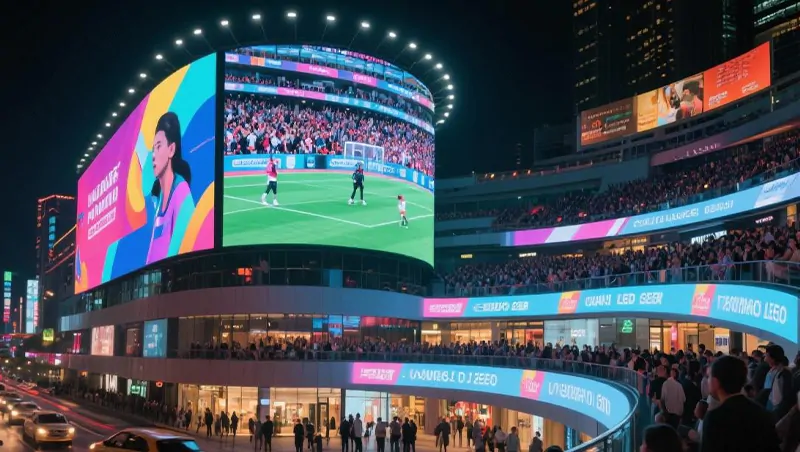
Signs of LED Display Aging and Light Decay
Color Shift: Changes in the photoelectric properties of red, green, and blue LEDs can alter color output (e.g., red becoming orange).
Brightness Attenuation: A noticeable, gradual decrease in overall screen brightness.
Uneven Display: Patches or areas with inconsistent brightness or color due to uneven aging of LEDs or driver issues.
Increased Power Consumption: Degradation of electronic components can lead to higher power draw and reduced energy efficiency.
How to Minimize Light Decay and Extend LED Screen Life
During Selection & Purchase:
Verify Components: Confirm the brand of LED chips, quality of phosphors, type of encapsulation glue, and bracket material (opt for copper).
Request Data: Ask suppliers for light decay test reports and lifespan projections.
Prioritize Thermal Design: Choose products with robust heat dissipation solutions (e.g., adequate heat sinks, proper ventilation) suitable for their environment (indoor/outdoor).
During Operation & Maintenance:
Clean Regularly: Use a dry, soft cloth to remove dust from the screen surface and ventilation ports. Dust buildup insulates and traps heat.
Manage Brightness: Operate the screen at 70-80% brightness when possible, avoiding prolonged full-brightness use to reduce stress.
Control Temperature: Ensure the operating environment is well-ventilated. For outdoor installations, implement weatherproofing checks, especially after rain, to prevent water damage that harms cooling components.
Schedule Inspections: Perform regular maintenance to identify and replace aging or failed
LED modules promptly.
In summary, while LED light decay is inevitable, its rate can be significantly controlled. By investing in quality products with superior thermal management and adhering to a proactive maintenance routine, you can preserve your LED display's brightness, color accuracy, and longevity, maximizing your investment.
FAQ
Q: What is the main cause of LED screen dimming over time?
A: The primary cause is LED light decay, a natural aging process where the internal materials of the LED chips (like phosphors and encapsulation) degrade, leading to a gradual loss of brightness and potential color shifts.
Q: Can I prevent my LED screen from ever dimming?
A: While you cannot completely prevent the natural aging process, you can drastically slow it down. The key is to control heat. This involves choosing a high-quality screen with excellent heat dissipation (e.g., copper brackets, good thermal design) and operating it in a cool, clean environment with proper brightness settings.
Q: How does heat affect an LED screen's lifespan?
A: Heat is the biggest enemy. High junction temperature inside the LED chip accelerates material aging. Studies suggest that reducing the chip's temperature by just 10°C can potentially double the LED's lifespan. Effective heat dissipation is therefore critical.
Q: What should I look for when buying an LED screen to ensure longer life?
A: Focus on component quality and thermal management:
Components: Inquire about the brand of LED chips, the quality of phosphors, and encapsulation materials.
Heat Dissipation: Look for features like copper brackets and efficient heat sink designs.
Data: Request the manufacturer's light decay test reports and projected lifespan under standard operating conditions.
Q: What simple maintenance can I do to extend my screen's life?
A:
Clean Regularly: Keep vents and the screen surface dust-free to prevent overheating.
Manage Settings: Avoid running the screen at 100% brightness for extended periods.
Ensure Ventilation: Make sure the screen’s cooling system isn’t obstructed.
Professional Checks: Schedule periodic inspections to catch and replace failing components early.
 English
.jpg "How to Choose the Best P1.2 LED Video Wall Manufacturers?")