English
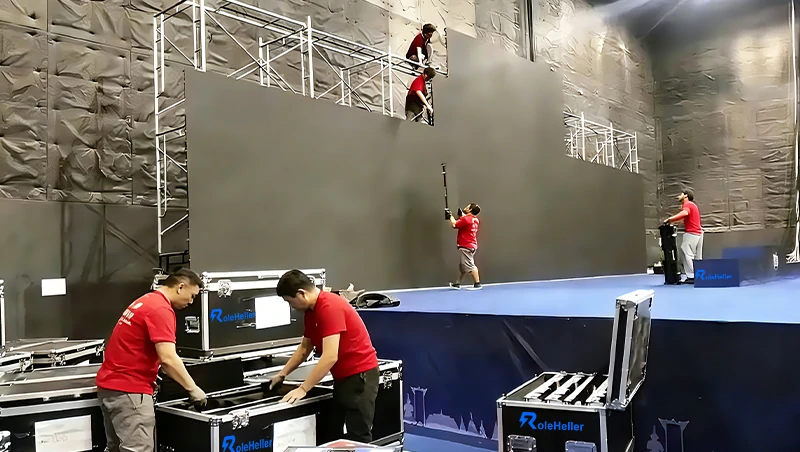
Dust might seem harmless, but for your expensive LED video wall or display, it’s a silent killer. Whether you own a jumbotron, rent LED wall panels, or manage a permanent LED screen, dust mixed with humidity can damage sensitive parts and lead to early failure. Here’s how dust hurts your screen and how to stop it.
Dust on the LED panels acts like a dirty filter, blocking light. This cuts brightness and makes colors look muddy—bad news for any video wall or advertising display.
Dust attracts moisture. Inside your LED screen, that damp dust can corrode circuits and cause shorts. This not only breaks your screen but can become a real safety risk.
Dust clogging the vents and boards stops heat from escaping. When LED screens overheat, parts age faster, leading to crashes or permanent damage like burnt-out chips.
Gritty dust wears down connectors and seals, especially on foldable LED wall panels. This can cause dead pixels, flickering, and cut a screen’s lifespan from 10 years down to just a few.
Clean It Regularly (The Right Way): Gently dust the screen and vents when it’s off. Use a soft brush or compressed air. Never spray cleaners directly or use a wet cloth!
Pick a Good Spot: Install your led wall somewhere with good airflow and less dust. In dirty areas, use screens with a high IP rating or add a dust filter.
Keep It Cool & Dry: Make sure the fans and vents are never blocked. Control humidity in the room to stop dust from turning into a sticky, damaging paste inside.
Get a Professional Check-Up: For big or important video walls, have a technician do a deep clean and inspection once in a while. This is key for rental companies and owners alike.
Fighting dust is the easiest and cheapest way to protect your LED screen. Good care prevents most common problems, keeps your display bright and safe, and helps your jumbotron or rental LED wall last for years to come.